Troubleshooting
What actually causes hydration mismatch in Next.js 16
Most hydration mismatches come from one of four things: Date, Math.random, locale formatting, or browser-only APIs. React 19 prints the failing DOM node in the error, so read the console diff first to identify the cause, then fix it by deferring to useEffect or by pinning the format.
The symptom
The build succeeds, but the browser console shows this and the page flashes before redrawing.
Error: Hydration failed because the server rendered HTML didn't match the client.
As a result this tree will be regenerated on the client.
When the server HTML and the client’s first render disagree, React throws away that subtree and rebuilds it. The flash is that rebuild becoming visible.
Environment
| Item | Version |
|---|---|
| Next.js | 16.3.1 |
| React | 19.2.8 |
| Node | 24.11.0 |
| Verified | 2026-08-17 |
Why the error happens
The server and the client rendered from different inputs. In practice the cause is one of four things.
| Cause | Why it diverges |
|---|---|
new Date() / Date.now() | Server render time differs from client render time |
Math.random() | Different value every call |
| Locale and timezone formatting | Server runs in UTC, the browser uses the user’s timezone |
window / localStorage | Absent on the server, so branches resolve differently |
The third is the most common. toLocaleDateString() follows the runtime’s timezone, so a server on UTC and a browser in KST can disagree by a full day.
Identifying which one you hit
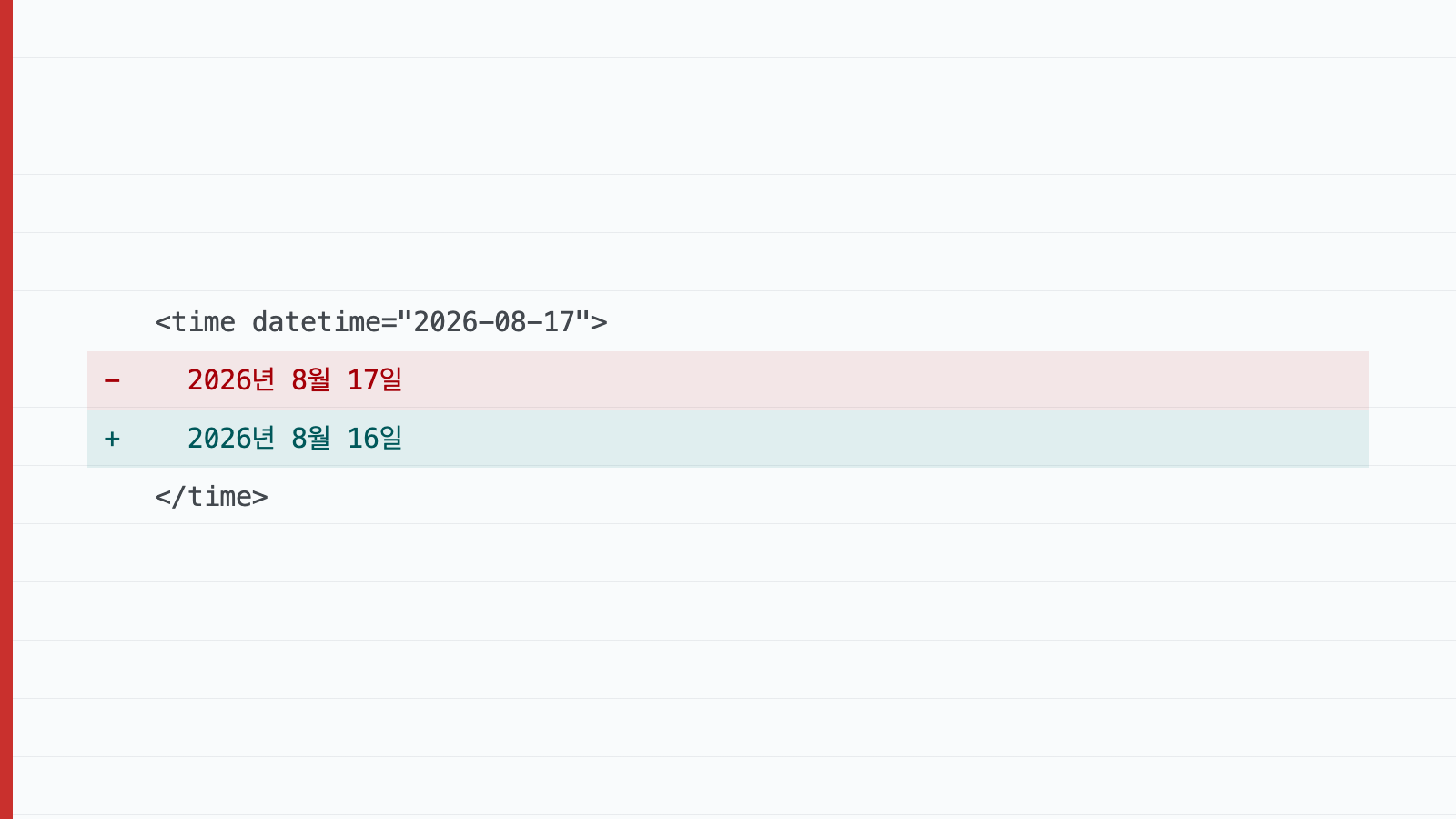
React 19 prints the failing DOM node directly in the error. Read the diff first — - is the server, + is the client.
  <time datetime="2026-08-17">
-   August 17, 2026
+   August 16, 2026
A one-day gap narrows it to timezone handling. Reading the diff is faster than guessing and editing.
The fix
Defer values that only the client can compute
"use client";

import { useEffect, useState } from "react";

export function LocalDate({ iso }: { iso: string }) {
  const [formatted, setFormatted] = useState<string | null>(null);

  useEffect(() => {
    setFormatted(new Date(iso).toLocaleDateString());
  }, [iso]);

  // First render matches the server exactly.
  return <time dateTime={iso}>{formatted ?? iso}</time>;
}
Suppress the warning when divergence is expected
<time dateTime={iso} suppressHydrationWarning>
  {new Date(iso).toLocaleDateString()}
</time>
suppressHydrationWarning applies to one level of text on that element only. It does not silence the whole subtree, so it will not hide unrelated bugs.
Pin the format
The most robust option removes the environment dependency entirely.
new Intl.DateTimeFormat("en-US", { timeZone: "UTC" }).format(new Date(iso));Why this fix is the right one
Reaching for suppressHydrationWarning alone mostly hides the symptom. The warning disappears, but the server still sent the wrong value, and users see that wrong value until JavaScript runs. Search engines index it too.
Pinning the timezone makes the server HTML correct from the start. So use the pinned format for display dates, and the deferred approach only for values the client genuinely knows first, such as a user preference read from localStorage.
Also worth checking
- Browser extensions that mutate the DOM produce the same error. Reproduce in a private window first.
- Invalid HTML nesting, such as a
<div>inside a<p>, also triggers it — the browser repairs the markup and the tree stops matching the server. - Whether this reproduces only in production builds is something I have not verified.